
Learn
Emergency Ready Plans for Facilities & Property Managers
What a free Emergency Ready Plan includes, why pre-planning cuts downtime, facility assessment, priority response, and how to set one up.
Emergency Ready Plans (ERPs) are pre-built facility profiles that make disaster response dramatically faster and more effective. For commercial properties, they’re the single most valuable preparedness step available — and we build them free.
What’s in an Emergency Ready Plan
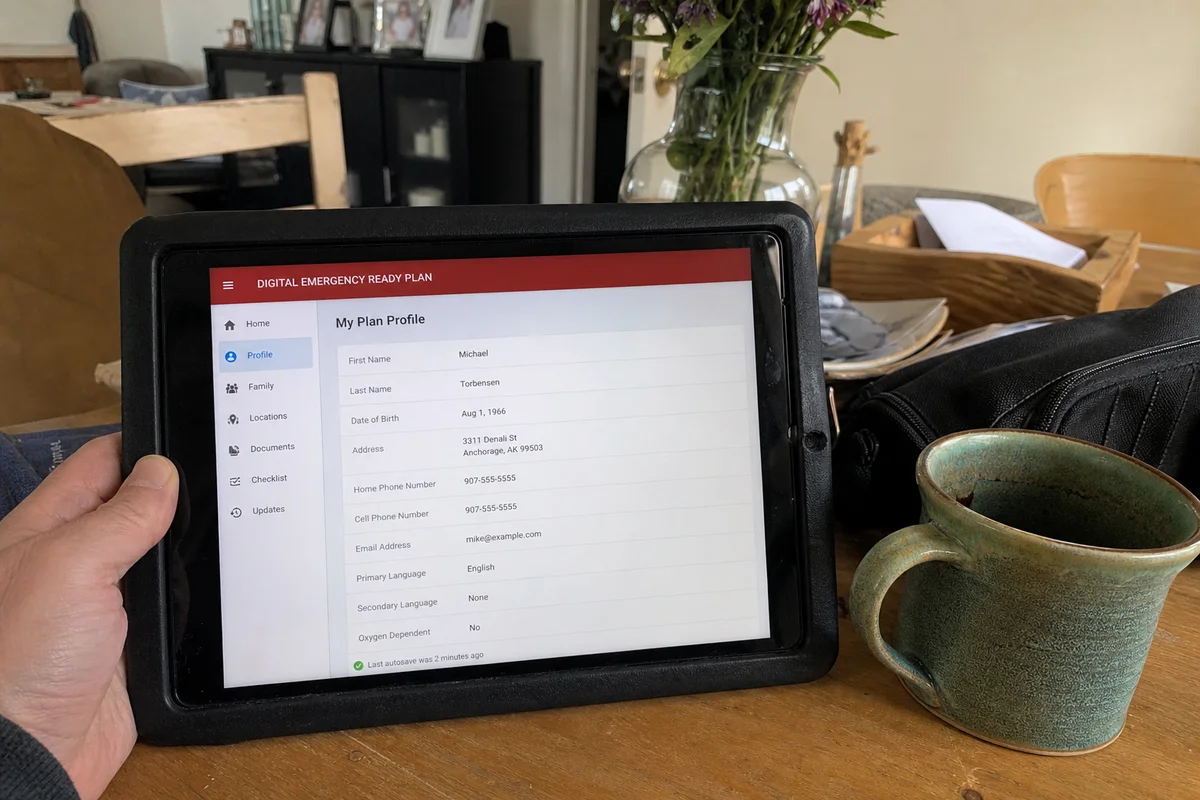
An ERP is a facility profile that lives on our crews’ tablets. When your disaster call comes in, we pull it up and know within seconds:
Building details:
- Floor plans
- Square footage
- Number of stories
- Construction type
- Age of building
Critical utilities:
- Main water shutoff location
- Individual zone shutoffs
- Gas shutoff
- Main electrical disconnect
- Fire sprinkler shutoff and drain
Contact information:
- Property owner
- Property manager
- 24-hour on-site contact
- Utility company contacts (with account numbers)
- Emergency contractors (roof, HVAC, electrical)
- Insurance carrier and policy number
- Tenant primary contacts
Priority areas:
- Revenue-critical zones (kitchens, patient care, server rooms, retail floor)
- Areas requiring special containment (clean rooms, food service)
- Zones with sensitive equipment
- Storage of critical inventory or records
Hazards:
- Chemical storage
- Asbestos or lead materials
- Energized systems
- Access restrictions
- Any pre-existing conditions
Access details:
- Key locations or keypad codes (secured, only accessed during authorized response)
- Alarm codes
- After-hours entry procedures
Why pre-planning matters
The first 30 to 60 minutes of a disaster response are typically spent discovering the facility:
- Finding shutoffs (often takes 15 to 30 minutes in unfamiliar buildings)
- Locating utility contacts
- Understanding priorities
- Coordinating access
- Assessing initial scope
With an ERP, that phase collapses to minutes. Crews arrive with the profile ready and start containment and mitigation immediately.
Real numbers:
- Water event without ERP: 45 to 60 minutes to first shutoff
- Water event with ERP: 5 to 10 minutes to first shutoff
- Difference in water intake: often thousands of additional gallons in the ERP-less scenario
The assessment process
Step 1: Schedule. Contact us and we’ll set up a walkthrough at your convenience. Typically we coordinate with property management for a 60 to 90 minute site visit.
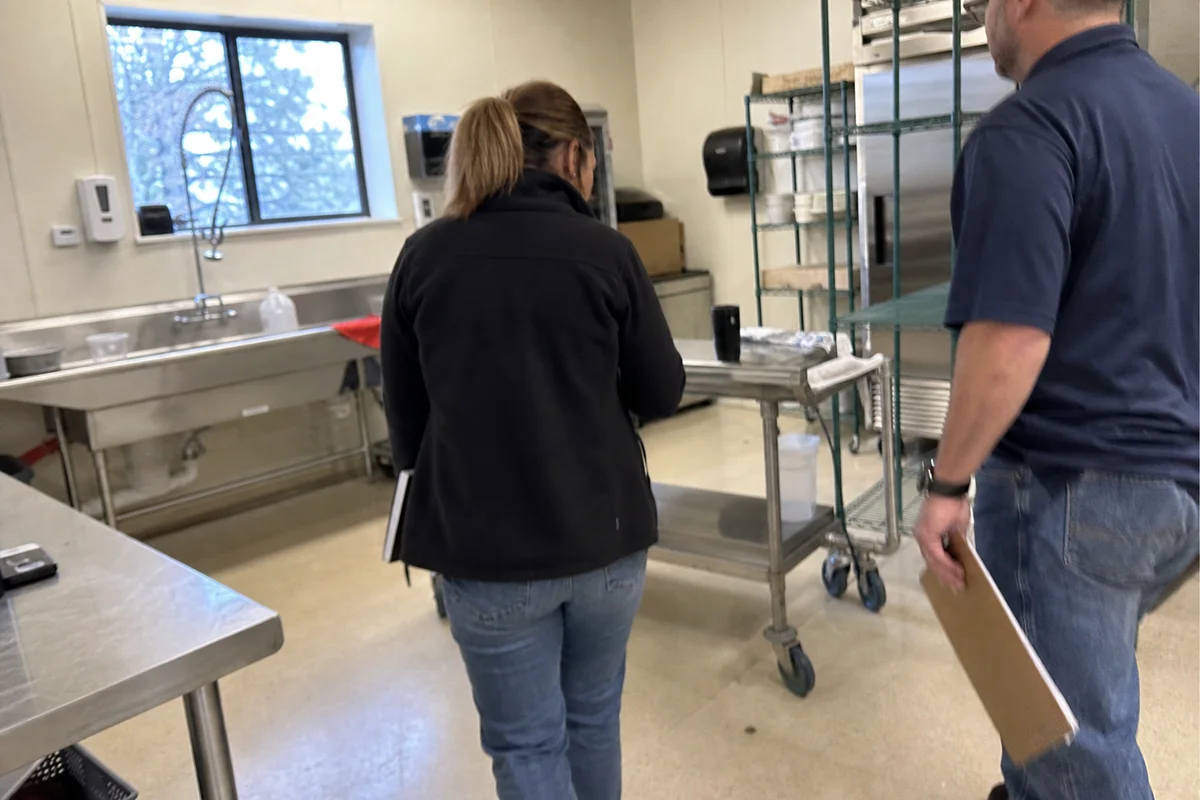
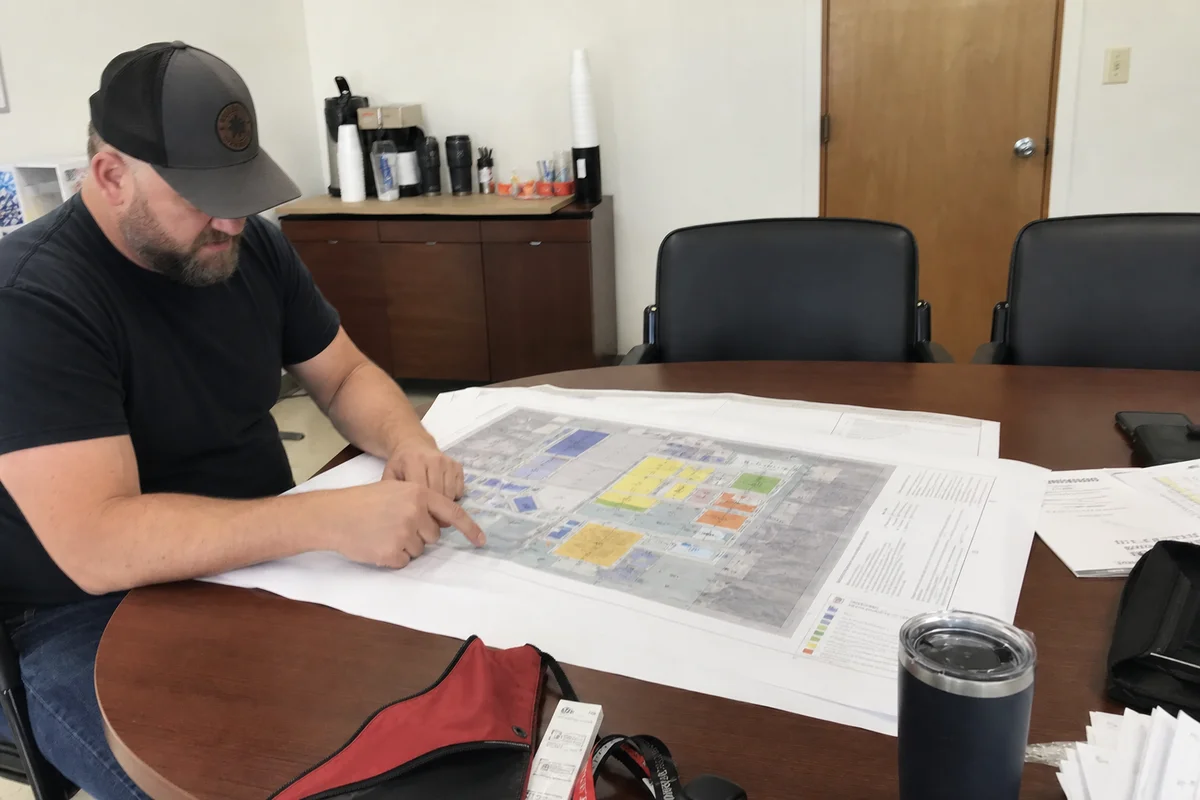
Step 2: Walkthrough. Our commercial team walks the facility with you, documenting utilities, contacts, priorities, and hazards. We take photos, notes, and floor plans.
Step 3: Profile build. We build the digital ERP profile — floor plans, contact database, priority mapping, hazard notes.
Step 4: Delivery. You get:
- Digital profile accessible to authorized parties
- Printed copy for facility file
- Wallet cards for key personnel with emergency contacts
- Recommendations for any preparedness improvements
Step 5: Annual update. We refresh the ERP annually at no cost, updating contacts, changes to the facility, and any new priorities.
Priority response for ERP partners
Facilities with an ERP get priority response when they call — the profile is on our tablets before crews are dispatched. During major regional events, priority response means we mobilize to ERP partners first.
Who should have an ERP
Any commercial property with:
- Significant revenue at risk from downtime
- Complex utility systems
- Multiple stakeholders (tenants, staff, patients, customers)
- Regulatory requirements for business continuity
- After-hours operations or access
- High-value contents or equipment
Especially:
- Restaurants and food service
- Medical and dental practices
- Retail centers and stores
- Offices with critical systems (servers, medical records)
- Warehouses and light industrial
- Government and municipal facilities
- Educational institutions
No obligation
Building an ERP doesn’t obligate you to use us for a future disaster. You keep the profile and can use whichever restoration company you prefer. That said, most ERP partners choose us for actual events — because we already know the facility, our response is dramatically faster, and we’ve built the trust.
Related preparedness
ERPs complement other business continuity planning:
- Insurance policy review and updates
- Employee emergency procedures
- Backup power and data plans
- Alternate location plans
- Communication protocols
We coordinate with your existing business continuity plan.
Book your ERP
For facility owners and property managers in Douglas County and South Denver, call (720) 842-1950 to schedule an ERP walkthrough with our commercial restoration team, or request an assessment. Related: large-loss commercial restoration and minimizing business interruption.